My Timesheet Corrections
Open My Workspace > My Timesheet Corrections to track corrections that you submitted from My Timesheet.
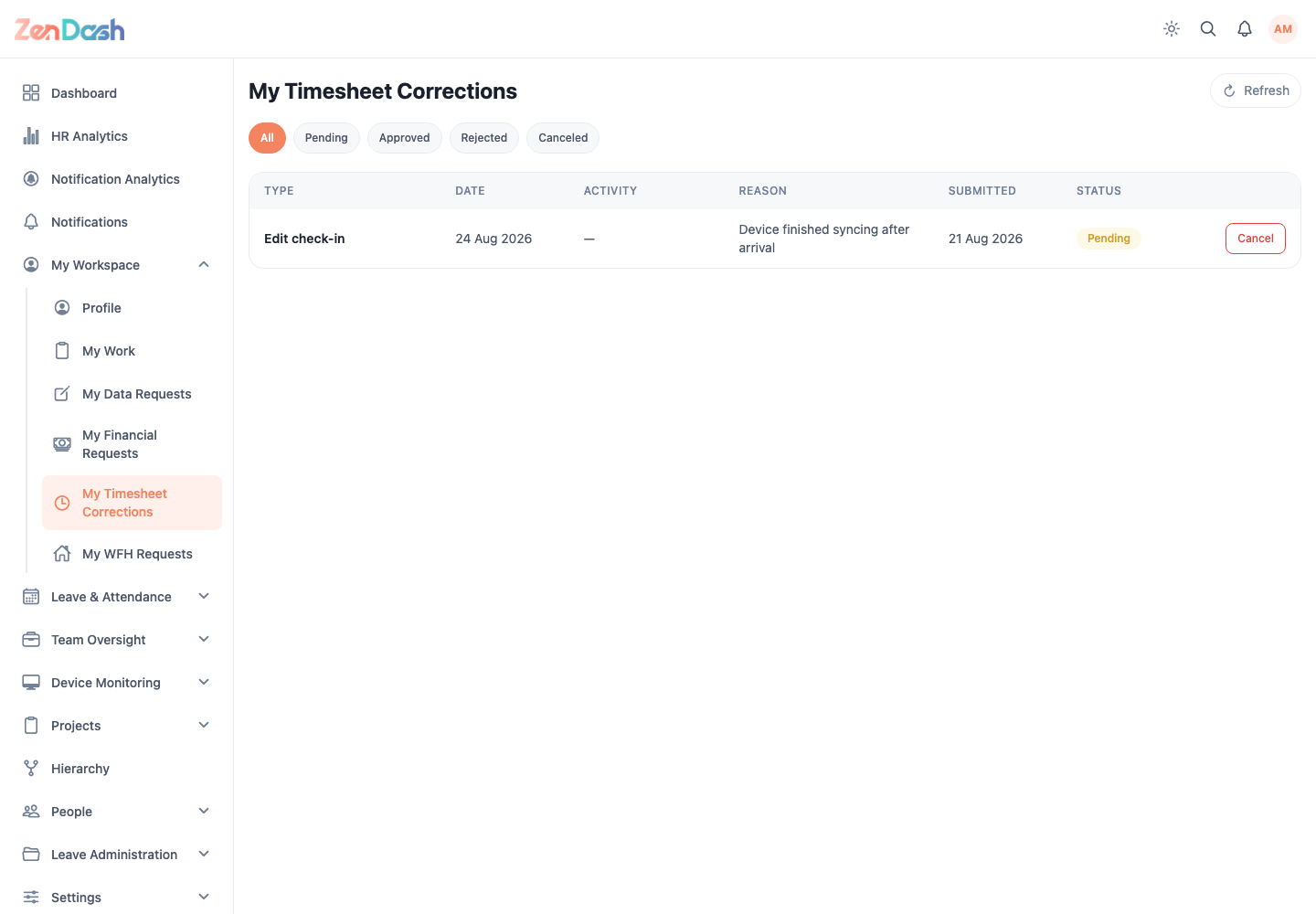
Use All, Pending, Approved, Rejected, and Canceled to filter the list. Select Refresh to load the latest review status.
Open a request to review the affected attendance date, proposed times, reason, and reviewer outcome. Use Cancel Request while a pending request is still eligible for cancellation.
Submit a correction
- Open Leave & Attendance > My Timesheet.
- Select the relevant day.
- Use the correction action, such as Forgot to check in?
- Enter the corrected attendance information and reason.
- Submit the request.
The attendance record changes only after an authorized reviewer approves the request.